In today’s digital age, electronic filing has become an essential part of efficient document management. As businesses and individuals shift toward going paperless, understanding digital filing processes is crucial. Here’s why:
1. Efficient Organisation and Retrieval
- Electronic Filing Defined: Digital filing refers to the process of storing and organizing documents in a digital format instead of physical paper files. It involves using electronic devices such as computers, smartphones, and cloud storage to manage and access documents.
- Quick Search and Retrieval: Unlike traditional paper filing systems, electronic filing allows for easy search and retrieval of specific documents. Tagging files with keywords and metadata simplifies locating information. No more digging through stacks of paper or misfiled folders!
2. Streamlined Workflow and Collaboration
- Collaboration Made Easy: Electronic filing enables seamless sharing and collaboration on documents. Multiple users can access and edit files simultaneously, regardless of their physical location. This enhances productivity and streamlines workflow processes.
- Real-Time Updates: When a team member makes changes to a document, everyone else sees the updates instantly. No more waiting for physical copies to circulate.
3. Environmental Impact and Sustainability
- The Environmental Toll of Paper: The production of paper contributes to deforestation, habitat destruction, and greenhouse gas emissions. Water-intensive processes and energy consumption further strain natural resources.
- Reducing Carbon Footprint: Going paperless significantly reduces waste and the carbon footprint. By minimizing paper usage, businesses and individuals contribute to environmental conservation.

4. Cost Savings and Space Optimization
- Cost-Effective Solution: Going digital improves process efficiency, saving money. Paperless offices can process a much larger volume of paperwork compared to traditional offices in the same amount of time.
- Reduced Expenses: Digitization reduces spending on paper, printers, ink, postage, and office space for physical files. Employee time spent managing paperwork decreases as well.
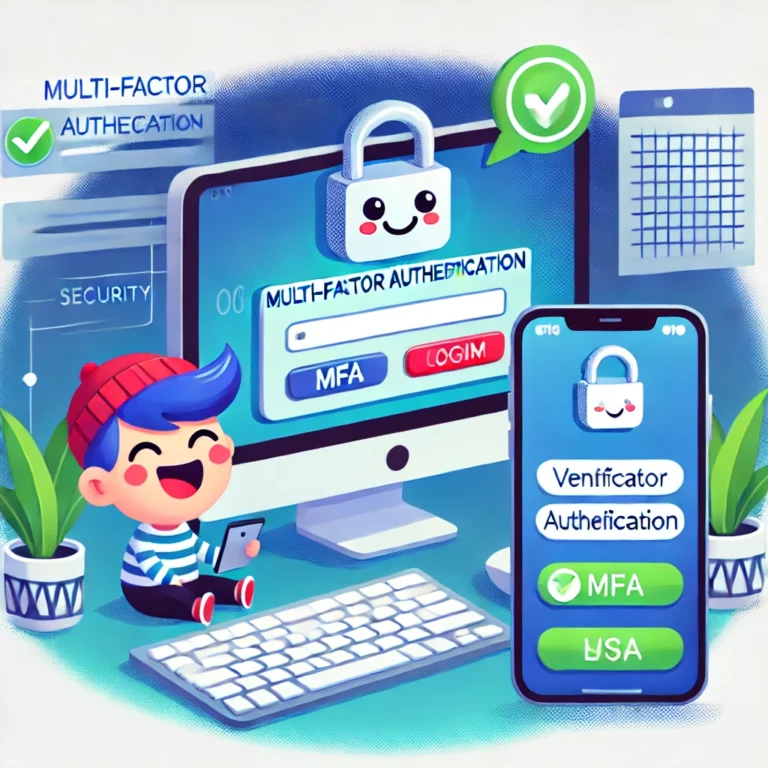
5. Enhanced Security and Compliance
- Data Protection: Digital data is safeguarded with today’s technology, reducing data breaches and unauthorized access.
- Reduced Liability: Physical paper files can be easily lost, misfiled, or stolen. Going paperless minimizes these risks and ensures better compliance with privacy regulations.
Best Practices for Effective Digital Filing:
- Automate Regular Backups:
- Set up automated backup schedules to protect your digital files.
- Regular backups ensure that recent data is always available even in case of system failures.
- Use Consistent Naming Conventions:
- Establish clear guidelines for file naming. Consistency makes searching and organizing easier.
- Implement Access Controls:
- Assign permissions to users based on their roles. Limit access to sensitive files.
- Regularly review and update permissions as needed.
- Version Control:
- Maintain multiple versions of critical files. Backups should include historical changes.
A Digital Revolution
Digital filing processes are critical for organizations embracing a paperless future. By adopting efficient electronic filing systems, we not only save time and resources but also contribute to a greener planet. So, let’s organize, collaborate, and protect our digital assets—because the future is paperless!
If you are surrounded by endless piles of paperwork or have digitised your files but they’re still a mess! Speak to one of GroupSupport’s friendly team about how we could assist you in going paperless on 08 9277 1768.